
AI moment ranking
Kedy.AI analyses your whole video and ranks the strongest moments, so you post the clips most likely to land.
Upload a podcast, webinar or talking-head video and Kedy.AI finds the best moments, reframes them to vertical with face tracking, and captions them. Free, in your browser.
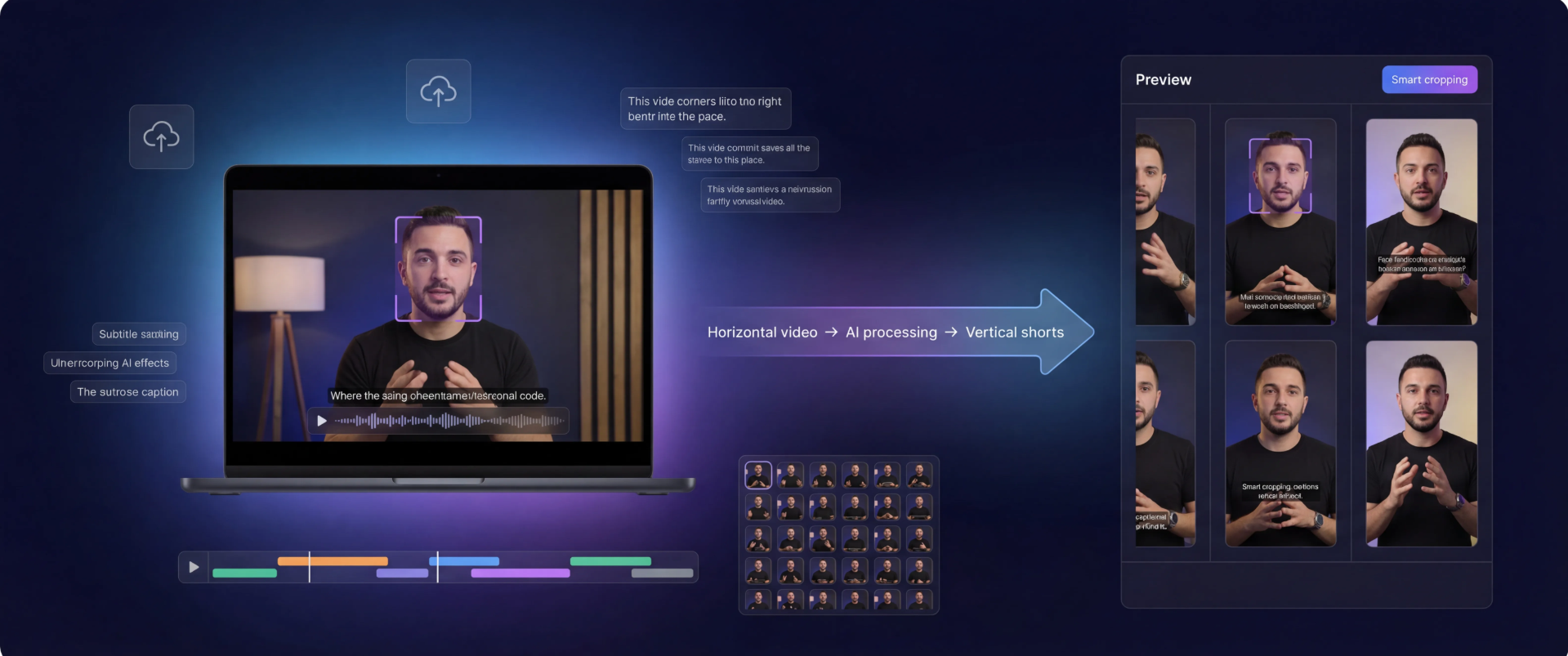
Kedy.AI analyses your whole video and ranks the strongest moments, so you post the clips most likely to land.
Intelligent reframing keeps the active speaker centered in 9:16 vertical, tracking them as they move.
Accurate, auto-generated captions burned in and styled for silent-scroll feeds.
Translate captions into 50+ languages with a click to reach a global audience.
Turn one long upload into dozens of ready-to-post shorts in a single pass.
No install, no powerful PC — it all runs in the cloud, free to start.
A podcast, webinar, interview or talking-head recording — any length.
Kedy.AI transcribes, ranks viral-worthy segments and picks the highlights.
Each clip is reframed to 9:16 with face tracking and captioned automatically.
Tweak in the editor if you like, then export and post — no watermark on paid plans.
It automatically turns long videos into short, vertical, captioned clips by finding the strongest moments and reframing them — what would take hours by hand, in minutes.
Yes. The free plan lets you generate clips from your videos with captions and reframing; paid plans add more minutes, no watermark and 50+ language translations.
Talking-head content shines — podcasts, interviews, webinars, vlogs and streams — but any long video with clear moments works.
Yes. You can translate captions into 50+ languages and dub the audio with the AIDubbing Studio, all in the same app.
Upload long-form content of any length — hour-long podcasts and webinars are ideal; Kedy.AI scans the whole video for the strongest moments.
Yes — every clip is auto-captioned with accurate, styled subtitles, and you can edit the wording and look before exporting.
They are sized 9:16 for TikTok, Instagram Reels, YouTube Shorts and any vertical feed — and you can schedule them with the Social Planner.