
Premiere Pro & DaVinci
Export your Kedy.AI timeline as XML and keep editing in Adobe Premiere Pro or DaVinci Resolve.
Let Kedy.AI rank, reframe and caption your video, then export an XML to finish in Adobe Premiere Pro or DaVinci Resolve — no re-editing.
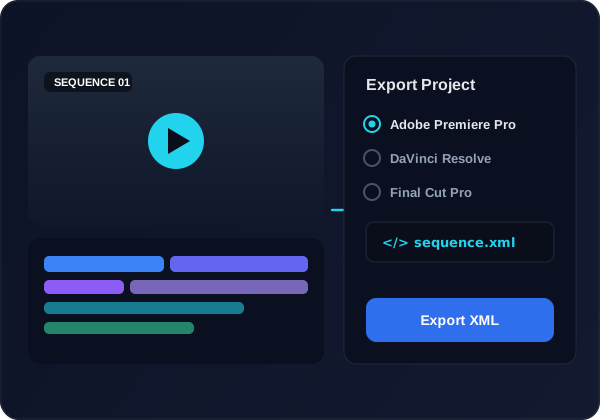
Export your Kedy.AI timeline as XML and keep editing in Adobe Premiere Pro or DaVinci Resolve.
Clips, cuts, track order and timing carry over so you pick up right where you left off.
Let Kedy.AI rank moments, reframe and caption, then finish in your NLE of choice.
Skip rebuilding the sequence by hand — the XML reconstructs your timeline in seconds.
Generate shorts or edit on the timeline with AI captions and reframing.
Pick Premiere Pro or DaVinci Resolve as your target.
Import the XML — your sequence, cuts and tracks appear intact.
Colour, mix and polish in your pro tool, then export the final master.
Export an XML compatible with Adobe Premiere Pro and DaVinci Resolve, so you can finish in the tool you already use.
Your clips, cuts, track order and timing — so the sequence rebuilds in your NLE without manual re-editing.
Kedy.AI automates the slow parts — finding viral moments, reframing to vertical and captioning — then hands a clean rough cut to your pro editor.
You can try it free; export options are included on paid plans.
Your sequence structure, cuts and timing carry over; captions can be exported as sidecar files to bring into your NLE.
Use Kedy.AI for the AI-assisted rough cut, export the XML, and finish colour, audio and effects in your pro editor.
Yes — the exported timeline matches your project settings so it rebuilds correctly in Premiere Pro or DaVinci Resolve.