
Visual content calendar
Plan a whole month of posts on a drag-and-drop calendar across every channel in one view.
Plan, schedule and auto-publish your shorts and videos to every platform from one visual calendar — straight from your Kedy.AI projects.
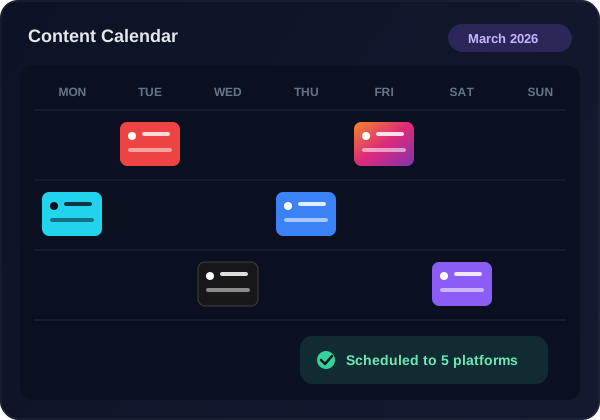
Plan a whole month of posts on a drag-and-drop calendar across every channel in one view.
Publish to YouTube, TikTok, Instagram Reels, X, Facebook and more from one place.
Pick the best times to post, or queue a month of shorts to go live automatically.
Auto-generate titles, descriptions and hashtags tuned per platform.
Send AIShort clips and edited videos to the planner without downloading and re-uploading.
See everything scheduled across platforms and reschedule with a drag.
Link YouTube, TikTok, Instagram, X, Facebook and more in a couple of clicks.
Add shorts and videos straight from Kedy.AI or upload your own.
Place posts on the calendar and let Kedy.AI publish at the best times.
Your content goes live across every platform — hands-free.
YouTube, TikTok, Instagram Reels, X (Twitter), Facebook and more — all from one calendar.
Yes — queue a month of posts across every platform in minutes and let them publish automatically.
Yes. Send clips from the AIShort Generator straight to the planner — no downloading and re-uploading.
You can start free; paid plans add more connected accounts and scheduled posts.
Yes — smart scheduling recommends optimal posting times, or you can pick exact dates and times yourself.
Yes — Kedy.AI auto-generates titles, descriptions and hashtags tuned for each platform.
Yes — connect multiple channels per platform and manage every queue from one calendar.