
All-in-one timeline
Trim, cut, layer and arrange video, audio, text and images on a multi-track timeline — right in your browser.
Edit on a full multi-track timeline in your browser, with AI handling reframing, captions and clean-up. No install, no editing skills required.
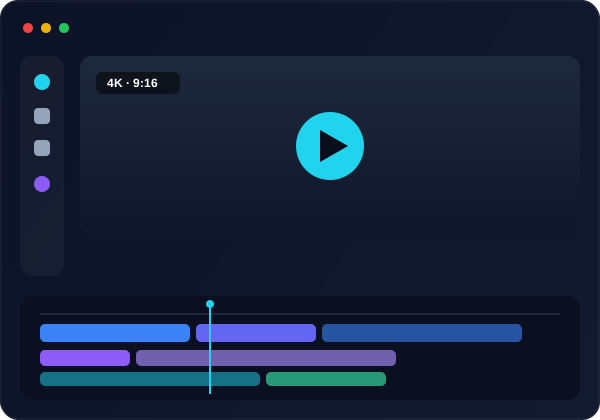
Trim, cut, layer and arrange video, audio, text and images on a multi-track timeline — right in your browser.
Auto-cut silences, reframe to vertical and generate captions so you skip the tedious manual work.
Accurate auto-captions you can style and translate into 50+ languages in one click.
Filters, transitions, overlays and royalty-free stock to make every cut look polished.
Runs fully in the browser on any device — your projects sync to the cloud automatically.
Render up to 4K, or export an XML to finish in Premiere Pro or DaVinci Resolve.
Drag in clips, audio and images — or start from an AI-generated video or short.
Cut, layer, caption and restyle while AI handles the repetitive parts.
Auto-reframe, clean up audio, add captions and translate in a click.
Render up to 4K or hand off to Premiere/DaVinci — then publish to socials.
Yes — you can edit free in your browser. Paid plans add no-watermark exports, more storage, 4K and higher limits.
No. The editor is built so anyone can cut a great video — AI handles reframing, captions and clean-up, and the timeline is drag-and-drop.
It runs entirely in the browser — Windows, Mac, Chromebook or tablet — with nothing to install. Projects sync to the cloud.
Yes — export an XML and finish in Adobe Premiere Pro or DaVinci Resolve at any time.
Import common video, audio and image formats, and export up to 4K — or an XML for Premiere Pro and DaVinci Resolve.
Yes — generate accurate captions automatically and translate them into 50+ languages in a click.
Yes — royalty-free stock footage, images and music are built in, alongside filters, transitions and overlays.