
Auto-clip your streams
Upload a VOD and get a stack of the best captioned moments.
Upload your VOD and wake up to a stack of captioned highlights — auto-clip your streams and never miss a viral moment again.
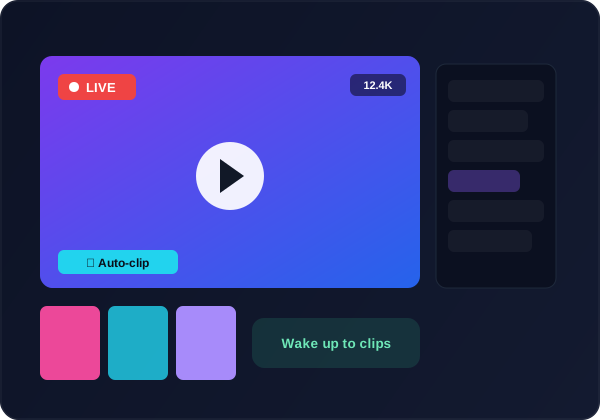
Upload a VOD and get a stack of the best captioned moments.
AI ranks hype moments, plays and reactions you would have missed.
Animated captions and emojis tuned for short-form feeds.
Dub highlights into 23+ languages to grow new communities.
Push clips to TikTok, Reels, Shorts and more on a schedule.
Upload before bed and wake up to ready-to-post clips.
Drop in a stream or gameplay recording of any length.
Kedy.AI ranks the best moments and clips them to 9:16.
Add captions, emojis and your channel branding.
Publish across every platform automatically.
Upload your stream VOD and Kedy.AI ranks the most exciting moments and cuts them into captioned vertical clips.
Gaming, IRL, talk and esports all work — any long stream with high-energy moments.
Yes — animated captions and emojis styled for short-form, ready to post.
Yes — dub clips into 23+ languages to reach new audiences.
Start free; paid plans add more minutes, no watermark and higher quality.